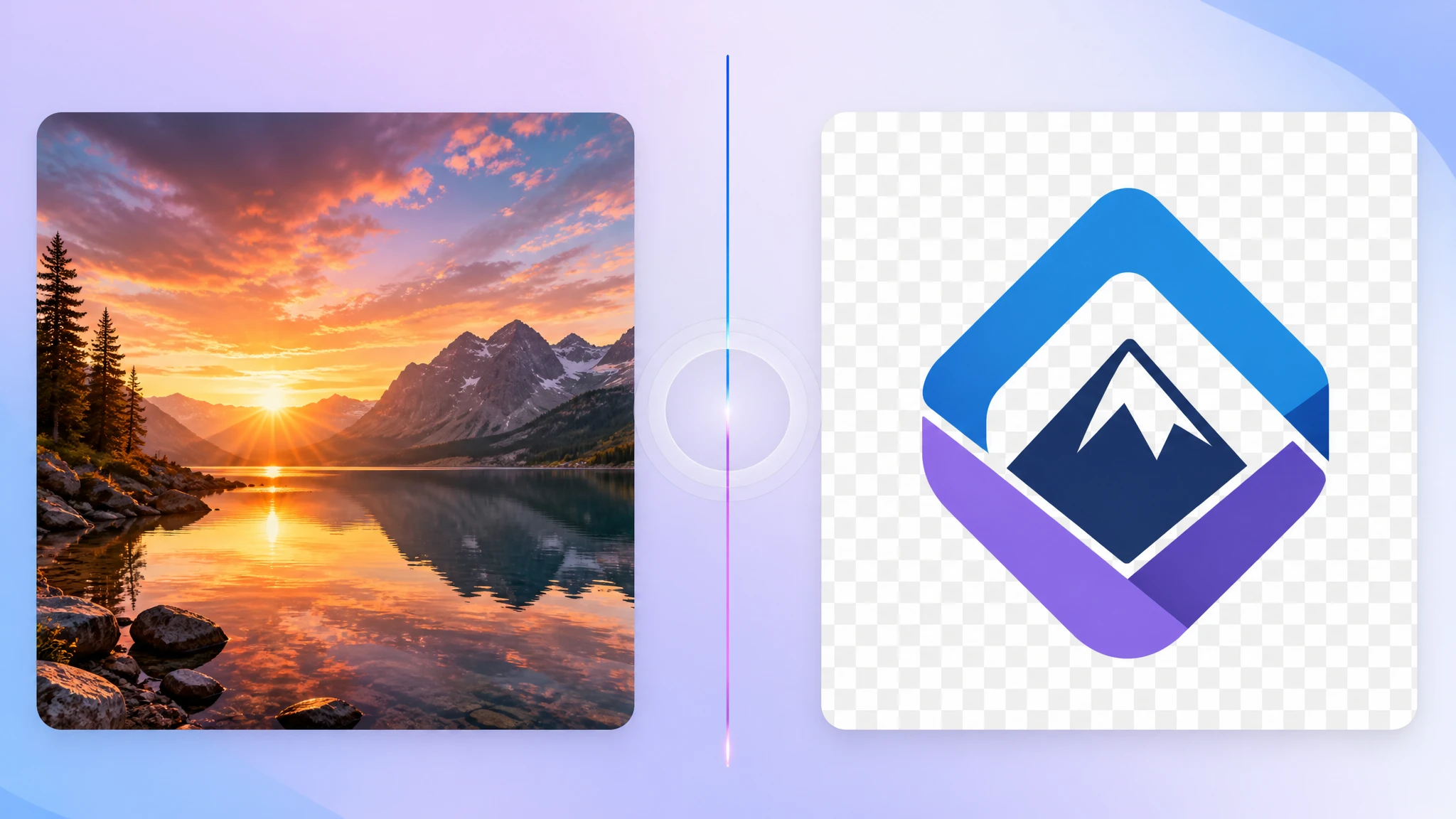
JPG and PNG are the two most common image formats on the web — but they are built for very different jobs. Pick the wrong one and you either bloat your page with huge files or destroy the quality of a clean graphic. This guide walks through how each format works, where it shines, and exactly when to choose JPG over PNG (and the other way around).
The 30-Second Answer
- Use JPG for photographs, screenshots of real-world scenes, and any image where small quality compromises are invisible to the eye.
- Use PNG for logos, icons, UI screenshots, illustrations with sharp edges, and any image that needs transparency.
If you remember nothing else, remember this: JPG = photos, PNG = graphics.
What is JPG?
JPG (also written .jpeg) stands for Joint Photographic Experts Group, the committee that designed it in 1992. It uses lossy compression, which means the algorithm permanently throws away image data the eye is unlikely to notice — most often subtle color variations and high-frequency detail.
The trade-off is enormous savings in file size. A 4000×3000 photo that would be 30+ MB as raw pixel data can compress down to just a few megabytes as a JPG with no visible difference for most viewers.
What is PNG?
PNG (Portable Network Graphics) was created in 1996 as a free, open replacement for the older GIF format. It uses lossless compression, meaning every single pixel is preserved exactly. Save a PNG ten times in a row and the file stays pixel-perfect — JPG would degrade a little each time.
PNG also supports an alpha channel, which is the proper name for transparency. That is why every logo you download from a brand kit is a PNG: you can place it over any background without an ugly white box around it.
JPG vs PNG: Side-by-Side Comparison
- Compression: JPG is lossy, PNG is lossless.
- Best for: JPG for photos and gradients, PNG for graphics and screenshots of UI.
- Transparency: PNG yes, JPG no.
- File size: For the same photo, JPG is typically much smaller than PNG.
- Re-saving: PNG keeps quality forever; JPG slowly degrades each time it is re-encoded.
- Color depth: JPG is 24-bit (16.7M colors), PNG supports 8-bit, 24-bit, and 48-bit color.
- Animation: Neither — use GIF, APNG, or WebP for animated images.
- Browser support: Both formats are universally supported. No exceptions.
File Size in the Real World
The right format can cut your page weight dramatically. Some examples we measured on real assets:
- A 1920×1080 landscape photo: PNG 3.4 MB → JPG quality 85 340 KB (10× smaller, no visible difference).
- A 512×512 brand logo on transparent background: PNG 28 KB → JPG would force a white background and still be 54 KB.
- A UI screenshot with sharp text and flat colors: PNG 92 KB → JPG quality 90 180 KB with visible text fringing. PNG wins.
The pattern is simple: anything that is continuous tone (photos, gradients) compresses much better as JPG. Anything with flat colors and hard edges (logos, icons, screenshots, illustrations) compresses better as PNG and stays sharper.
When JPG Goes Wrong
JPG's lossy compression introduces "artifacts" — blocky 8×8 noise patterns and halo-like fringes around hard edges. You see them most often when:
- You save a screenshot of an app or website as JPG. Text and icons get muddy.
- You re-save the same JPG many times. Each pass loses a little more quality (called generation loss).
- You push the quality slider too low. Below quality 70, blocking becomes obvious in flat areas like skies.
If any of these match your image, switch to PNG.
When PNG Goes Wrong
PNG handles graphics beautifully but is the wrong choice for photographs. The lossless algorithm cannot exploit the eye's blind spots the way JPG can, so a 12-megapixel photo stored as PNG can easily be tens of megabytes. That single image will outweigh the rest of your page combined and tank your Core Web Vitals score.
The Decision Tree
When you are not sure, ask three questions in order:
- Does this image need transparency? Yes → PNG. End of story.
- Is it a photograph or a continuous-tone gradient? Yes → JPG.
- Is it a logo, icon, screenshot, or illustration with hard edges? Yes → PNG.
Almost every real-world choice falls cleanly into one of those three branches.
What About WebP and AVIF?
In 2026, modern formats like WebP and AVIF beat both JPG and PNG on file size while supporting transparency and animation. If your audience uses modern browsers (97%+ do), serving WebP with a JPG or PNG fallback is the new best practice for production websites.
JPG and PNG are still the right answer for asset delivery, email, design hand-offs, and anywhere maximum compatibility matters.
How to Convert Between JPG and PNG
You can switch formats in seconds with our free, browser-based tools. Files never leave your computer:
- JPG to PNG converter — keep quality, gain transparency support.
- PNG to WebP converter — shrink graphics for the web.
- Image compressor — drop file size on any JPG, PNG, or WebP without uploading anywhere.
Pro tip: never re-save a JPG more than necessary. Each save degrades quality. Edit in PNG (or your design tool's native format) and only export to JPG once, at the end.
Conclusion
JPG and PNG are not competitors — they are partners. JPG handles photos, PNG handles graphics, and you reach for whichever one matches the job. Get this right and your pages stay fast, your logos stay crisp, and your photos still look great at a fraction of the size.
Need to switch formats right now? Try our free JPG to PNG tool — no upload, no signup, no watermark.

