
PNG vs WebP: Why WebP is the Future of Web Images
Learn why WebP delivers smaller files than PNG while keeping the same visual quality, and how to convert painlessly.
Read MoreConvert your JPG images to PNG format with transparency support. Fast, free, and no quality loss.
or click to browse files
Convert images instantly in your browser. No upload to server needed.
All processing happens locally. Your files never leave your device.
Lossless conversion preserves every pixel of your original image.
PNG supports transparency and lossless compression, making it ideal for logos, graphics, and images that need a transparent background. Unlike JPG, PNG preserves sharp edges without compression artifacts.
No. Our converter performs a lossless conversion, meaning every pixel of your original JPG image is preserved exactly as-is in the PNG output. There is zero quality degradation.
Each file can be up to 10MB. Since all processing happens in your browser, larger files may take a moment depending on your device performance. There's no limit on the number of files you can convert.
No. All conversion happens 100% locally in your browser using JavaScript Canvas API. Your files never leave your device and are never uploaded to any server. Your privacy is fully protected.
PNG uses lossless compression while JPG uses lossy compression. This means PNG files are typically larger because they preserve all image data without any quality loss. This is the trade-off for higher quality and transparency support.
Learn why WebP delivers smaller files than PNG while keeping the same visual quality, and how to convert painlessly.
Read More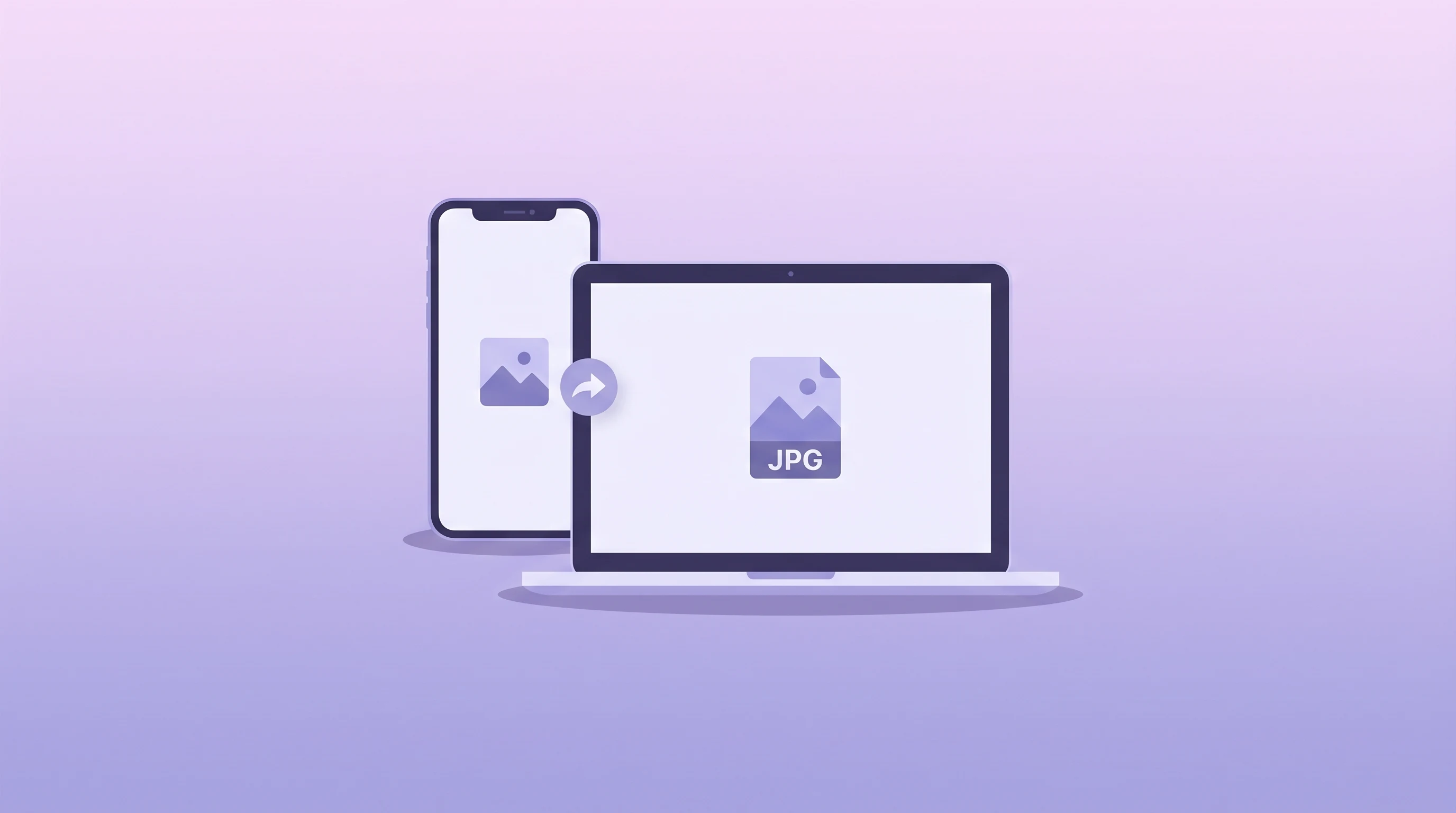
Understand why iPhones use HEIC, when JPG is still the better choice, and how to convert between formats.
Read More
Learn how image compression works, when to use lossy or lossless settings, and how to speed up your pages.
Read More