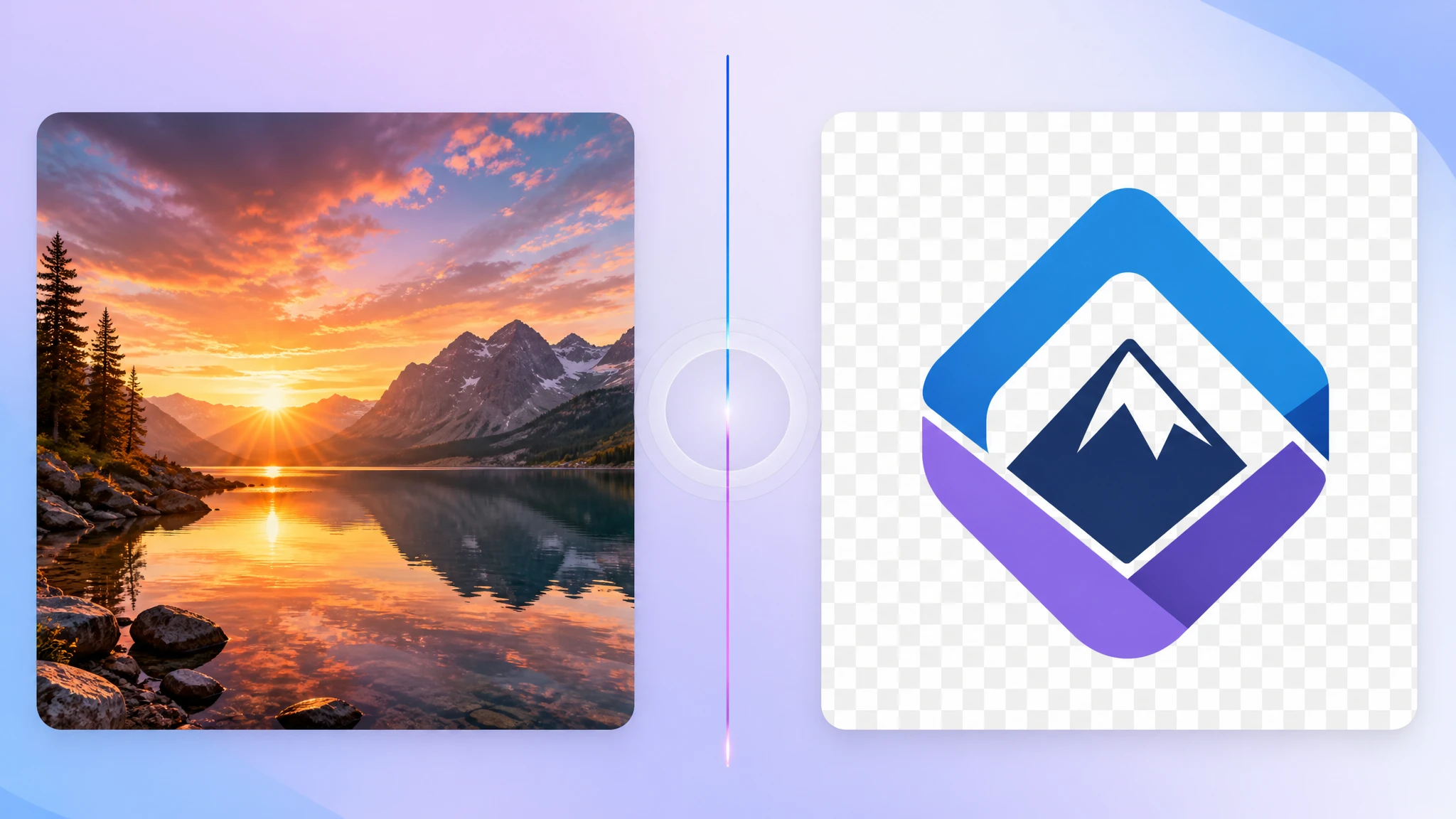
WebP is a strong modern format, but that does not mean it is always the most practical file to keep. In many everyday workflows, converting a WebP image to JPG is still the easiest way to make sharing, uploading, and opening the file less frustrating.
If your goal is broad compatibility and a familiar format that almost every app accepts, our WebP to JPG converter gives you a fast browser-based fallback with no upload required.
Why convert WebP to JPG at all?
For web delivery, WebP often wins on file size. But for mixed everyday use, JPG still wins on convenience. Many people do not need the most modern format — they need the format that opens instantly in old apps, office tools, marketplaces, chat apps, and random upload forms.
- Legacy compatibility — JPG works almost everywhere
- Easy sharing — less chance of “this file won't open” problems
- Common photo workflow — many apps still expect JPG by default
- Simple uploads — some services still reject or mishandle WebP
JPG is still the universal default
JPG remains one of the most widely recognized image formats in the world. That matters more than people think. If you send a JPG to a client, coworker, teacher, marketplace, or local business, you usually do not have to explain anything.
That familiarity is exactly why JPG still matters in 2026. Even when WebP is technically better for some use cases, JPG often remains the safest answer when compatibility matters most.
Common cases where WebP to JPG makes sense
There are several situations where converting to JPG is the practical move:
- Email attachments and messaging apps where JPG is expected
- Marketplace uploads that were built before WebP became common
- Office documents and presentations that behave better with JPG
- Photo-sharing workflows where smaller mainstream files are preferred
- Older desktop software with incomplete WebP support
What happens to transparency?
This is the most important trade-off: JPG does not support transparency. If your WebP has transparent areas, those areas must be flattened during conversion. In most browser-based tools, that means transparent regions are placed against a solid background.
So if your image is a logo, sticker, signature, UI asset, or anything that depends on transparency, PNG is usually the safer target format instead. JPG is best when the image is photo-like and transparency is not needed.
Will the file always get smaller?
Not always. Sometimes a WebP file is already very efficient, and converting it to JPG may produce a file that is similar in size or even larger depending on content and compression settings.
But in many normal photo workflows, JPG remains a useful output because it is familiar, widely accepted, and often small enough for routine sharing and uploads.
Converting WebP to JPG is usually about compatibility and convenience, not about guaranteeing the smallest file every single time.
When you should keep WebP instead
If your image is going straight to a modern website, app, or performance-focused delivery pipeline, WebP may still be the better option. There is no reason to convert just because JPG is older and more familiar.
- Website delivery where smaller modern assets matter
- Platforms with solid WebP support
- Performance-sensitive pages where modern compression helps
- Assets with transparency that should stay in WebP or move to PNG instead
How to convert WebP to JPG privately
If you just need a standard JPG that works everywhere, a browser-based converter is usually the fastest route. With our WebP to JPG tool, you can add one or multiple files, convert them locally, and download the results right away.
- No upload needed — files stay on your device
- Good for quick batches — process several WebP images at once
- Easy handoff — useful for clients and mixed-device sharing
- Photo-friendly output — especially practical for everyday images
Final take
WebP is often the smarter format for modern delivery, but JPG still dominates where familiarity and compatibility are more important than using the latest standard. If your image needs to open easily, upload reliably, and fit into older or more general workflows, converting WebP to JPG is still a perfectly reasonable choice.
If you need a fast fallback, try our free WebP to JPG converter. It is simple, private, and made for exactly these everyday compatibility problems.
