
PNG vs WebP: Why WebP is the Future of Web Images
Understand where WebP shines and why converting back to older formats is sometimes still necessary.
Read MoreConvert WebP images to JPG format for easier sharing, smaller traditional image files, and broader compatibility.
or click to browse files
Convert images instantly in your browser. No upload to server needed.
All processing happens locally. Your files never leave your device.
JPG files are still the easiest option for email, uploads, old systems, and everyday sharing workflows.
JPG is still more universally accepted across older apps, upload forms, and everyday workflows where WebP may not be supported smoothly.
No. JPG does not support transparency. Transparent areas will be flattened against a solid background during conversion.
Often yes, but not always. JPG is efficient for photos, while some graphics may not shrink much depending on content and compression behavior.
Yes. Everything runs locally in your browser. Your files are never uploaded to any server.
Yes. You can upload and convert multiple WebP images in one session and download them afterward.
Understand where WebP shines and why converting back to older formats is sometimes still necessary.
Read More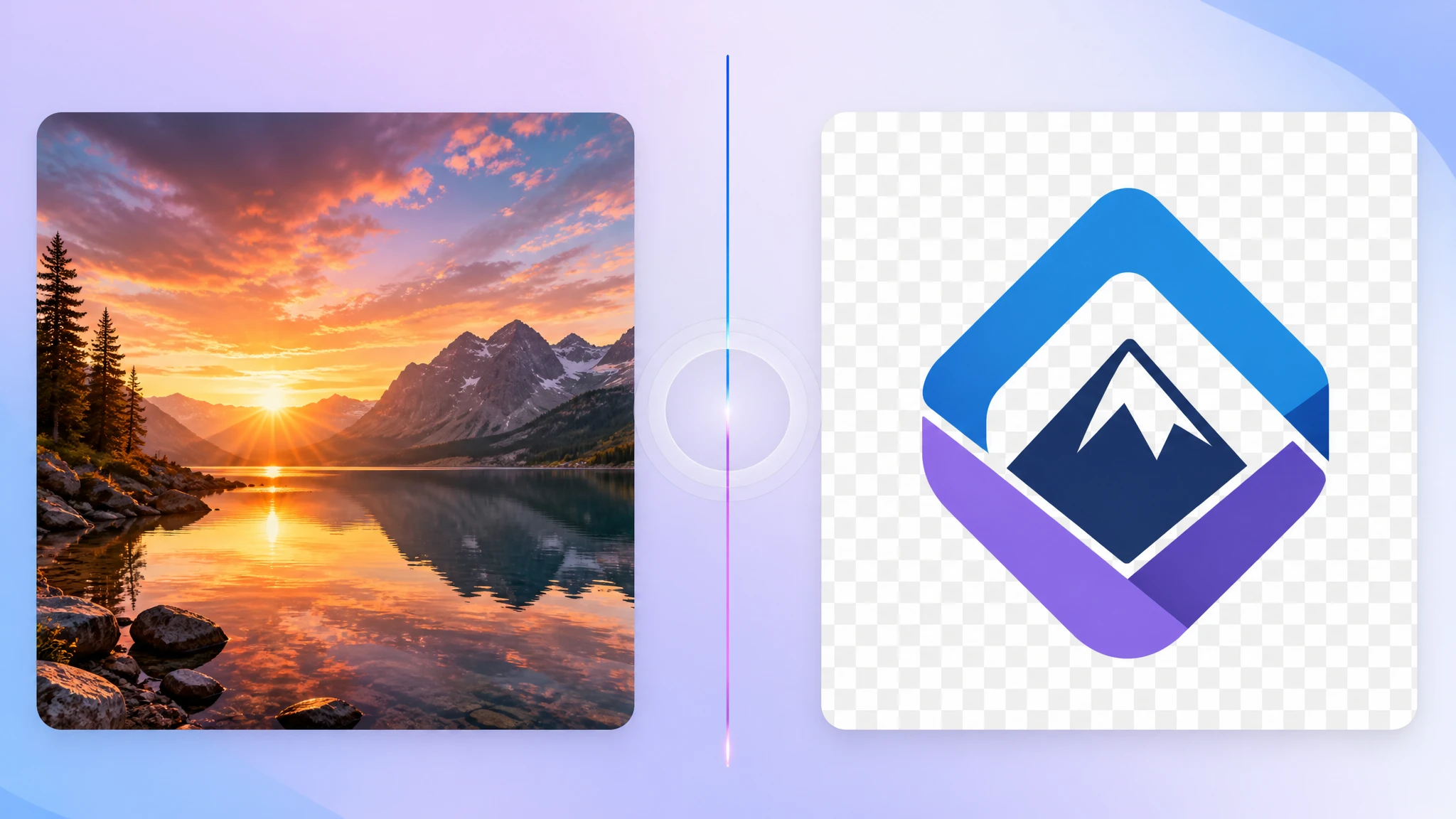
Learn when JPG is the better choice for photos, small file sizes, and mainstream compatibility.
Read More
See how format conversion and compression work together to produce files that are easier to store and share.
Read More