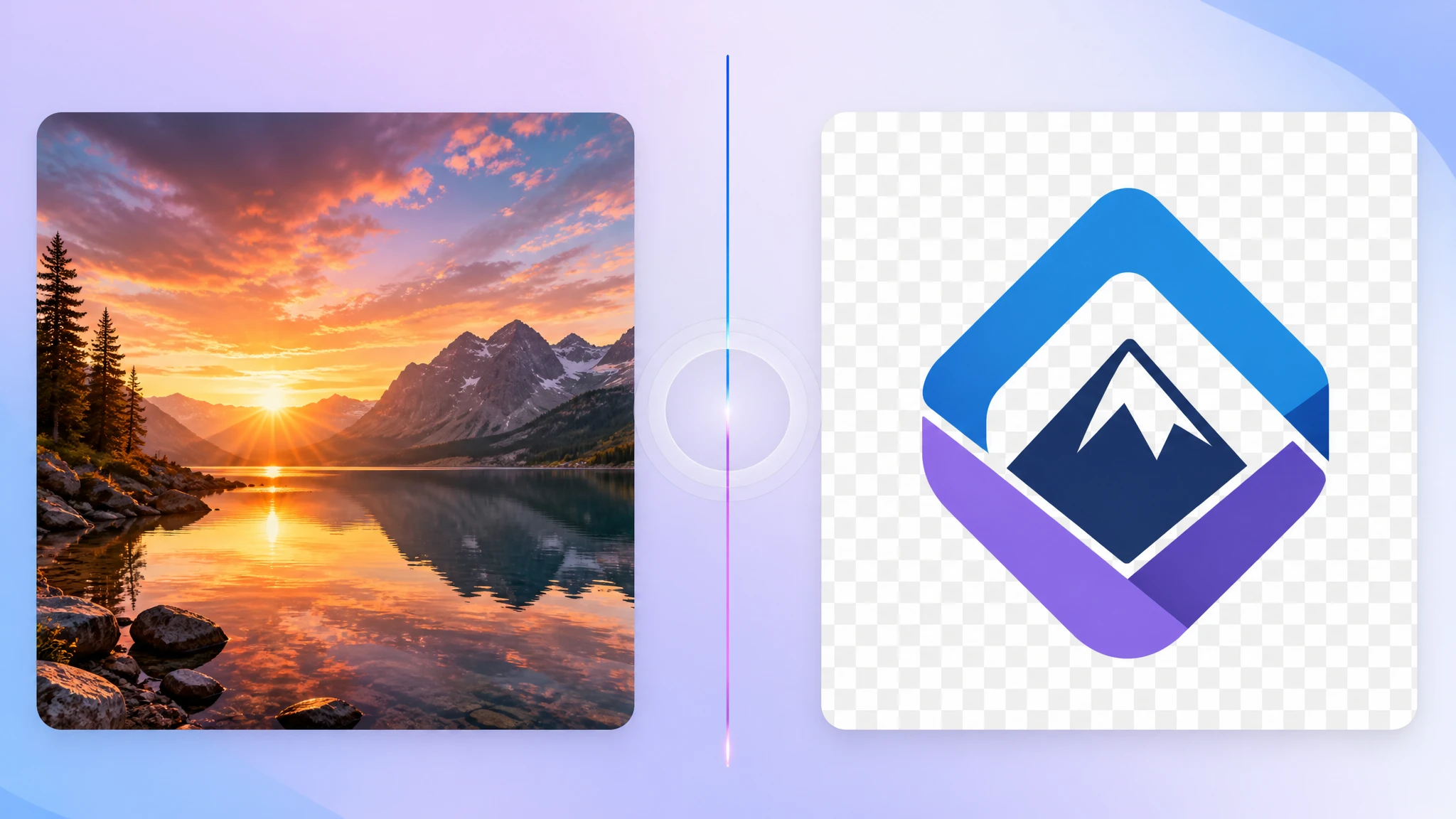
JPG vs PNG: Which Format Should You Use?
Compare JPG and PNG to decide which format gives you the right balance of quality, transparency, and file size.
Read MoreConvert PNG images to JPG format to reduce file size and make photos easier to share and upload.
or click to browse files
Convert images instantly in your browser. No upload to server needed.
All processing happens locally. Your files never leave your device.
JPG is often a better fit than PNG for photos and large visual assets where smaller file size matters.
JPG usually creates smaller files than PNG, which makes it useful for photos, uploads, and situations where file size matters more than transparency.
No. JPG does not support transparent backgrounds. Transparent areas will be flattened against a solid background during conversion.
JPG uses lossy compression, so some quality loss can happen. For most photos this is visually acceptable, but PNG remains better for graphics needing perfect sharpness.
Yes. The whole conversion happens locally inside your browser. Nothing is uploaded to any server.
Yes. You can upload multiple PNG files and convert them to JPG together in one session.
Compare JPG and PNG to decide which format gives you the right balance of quality, transparency, and file size.
Read More
Understand how JPG compression works and when it makes sense to switch away from PNG.
Read MoreLearn when PNG should stay PNG, especially for logos, UI assets, and transparent graphics.
Read More