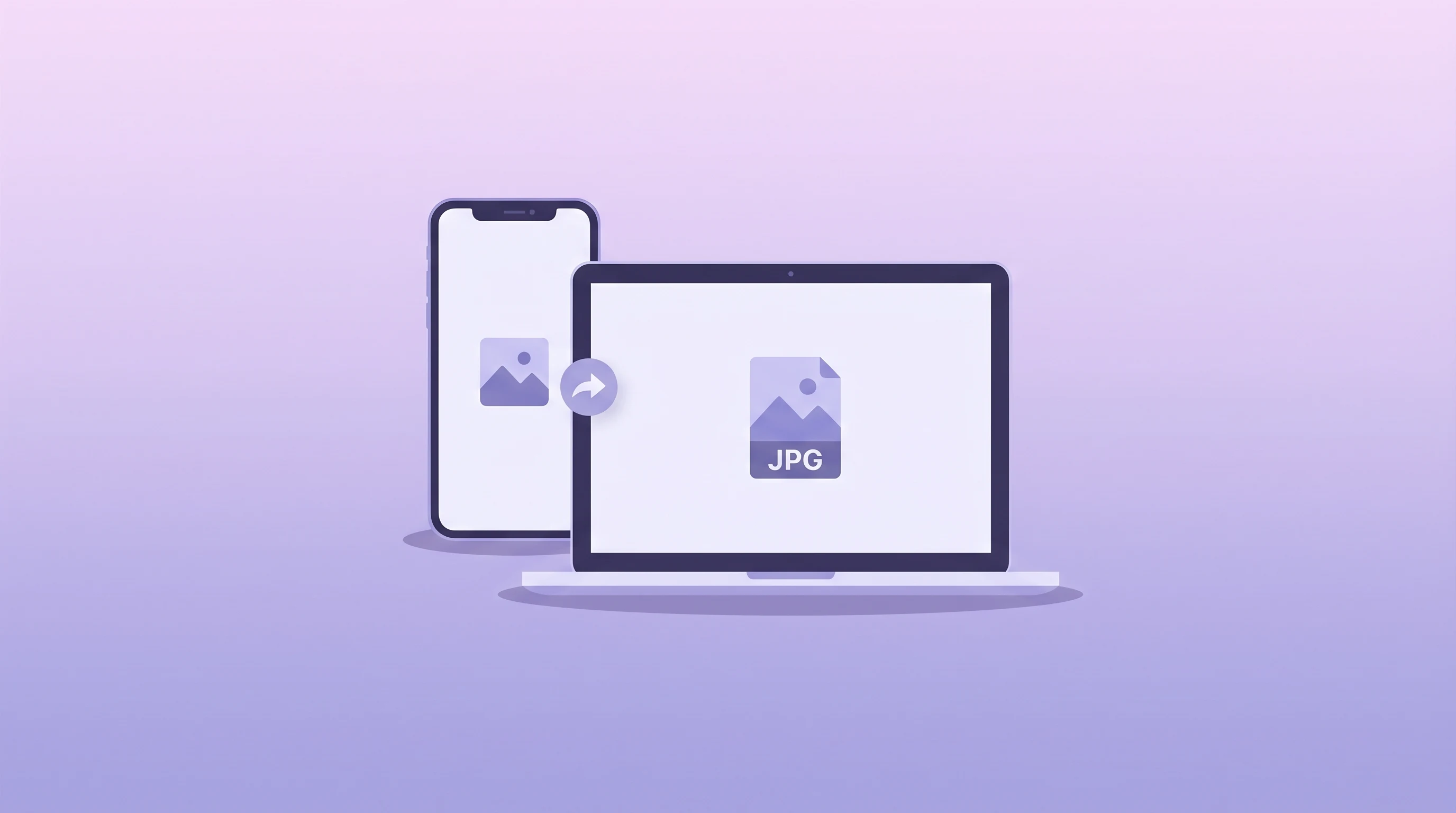
HEIC vs JPG: Everything About iPhone Photo Formats
Learn why iPhone photos use HEIC, when JPG is still the better choice, and how to convert HEIC files online.
Read MoreConvert your HEIC and HEIF photos to standard JPG format for easier sharing, editing, and universal compatibility.
or click to browse files
Convert HEIC images from iPhone and iPad devices into JPG files that work everywhere.
JPG opens easily in websites, Windows apps, email clients, and legacy software.
Your HEIC files stay in the browser. Nothing gets uploaded to a server.
JPG works almost everywhere, while HEIC is still not fully supported by many websites, apps, and Windows tools. Converting to JPG makes sharing and editing much easier.
HEIC is Apple’s default photo format based on the HEIF standard. It stores high-quality images in smaller files than JPG, but compatibility is more limited outside Apple ecosystems.
The converted JPG keeps very high visual quality, but JPG is a lossy format. In practice, most people will not notice any visible difference for normal sharing and web use.
Each file can be up to 10MB. Since conversion happens in your browser, performance depends on your device memory and CPU for very large photos.
No. All HEIC to JPG conversion happens locally in your browser using JavaScript. Your photos never leave your device.
Learn why iPhone photos use HEIC, when JPG is still the better choice, and how to convert HEIC files online.
Read More
Compare modern image formats to find the best alternative after converting your HEIC photos.
Read More
After converting HEIC to JPG, compress your photos further to save storage and speed up sharing.
Read More