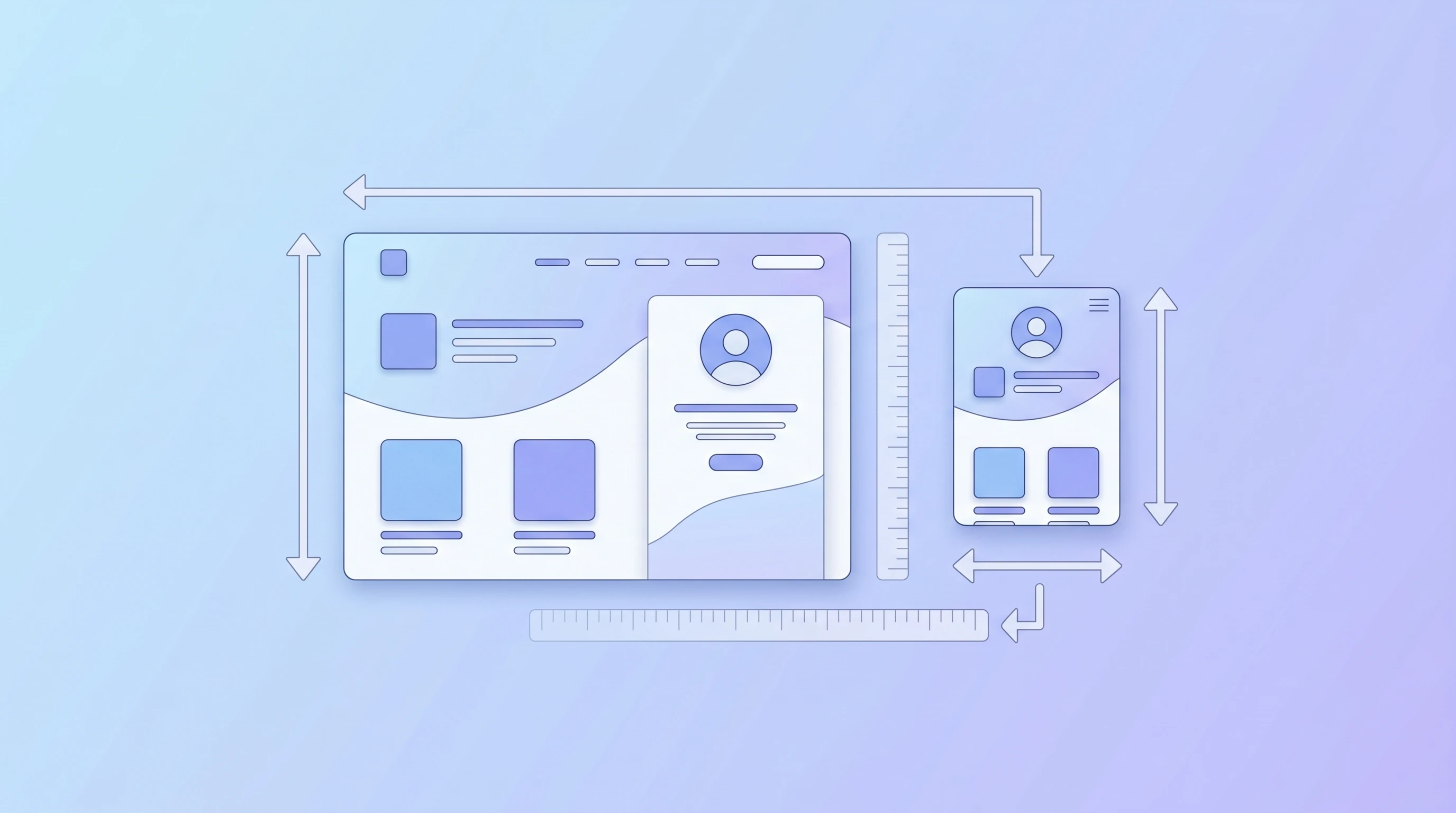
Image Resizing Best Practices for Web & Social Media
Learn the best dimensions for every platform and how to resize without losing quality.
Read MoreCrop your images with precision. Choose from preset aspect ratios or drag a custom crop area. Fast, free, and private.
or click to browse files
Drag to select the exact area you want. Use preset ratios or go freeform.
All processing happens locally. Your files never leave your device.
Works perfectly on phones and tablets with touch gestures.
You can crop JPG, PNG, and WebP images. The output will be in the same format as the original to preserve quality and transparency.
Yes. The crop dimensions are displayed in real time as you adjust the selection. You can use preset aspect ratios like 1:1, 16:9, or 4:3 to get precise proportions for social media or other uses.
No. Cropping simply removes pixels outside the selected area. The remaining pixels are preserved at their original quality. For PNG and WebP, transparency is also preserved.
Yes. The crop tool supports touch gestures — pinch to zoom and drag to reposition the crop area. It works on both phones and tablets across all modern browsers.
Use 1:1 for social media profile pictures, 16:9 for YouTube thumbnails and presentations, 4:3 for standard photos, and 3:2 for classic print photography. Use "Free" if you need a custom shape.
Learn the best dimensions for every platform and how to resize without losing quality.
Read More
Discover why WebP delivers smaller files while keeping the same visual quality as PNG.
Read More
Learn how compression works and how to balance file size with visual quality.
Read More