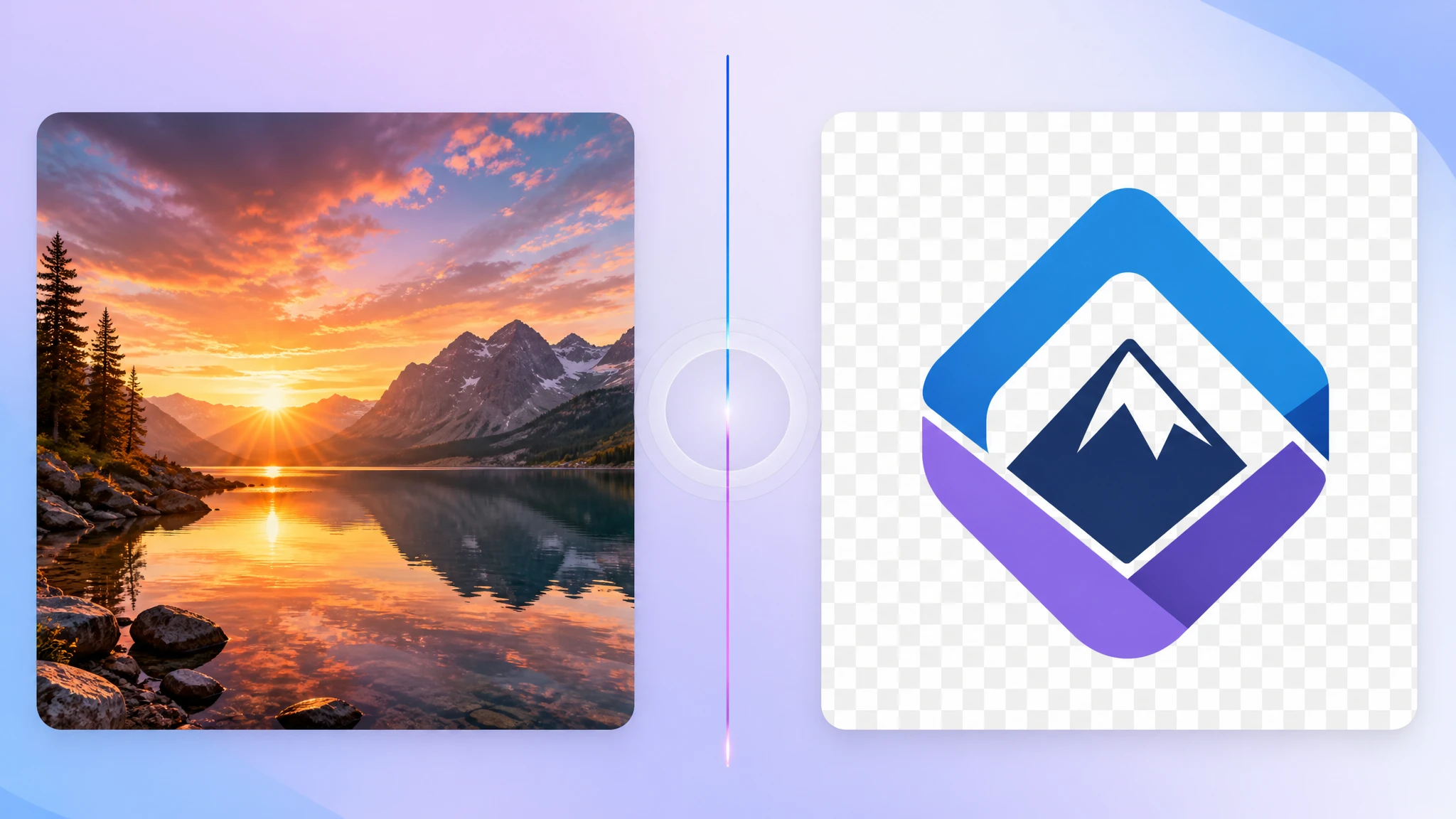
SVG is ideal for scalable, resolution-independent graphics. But sometimes what you actually need is a compact raster file with a solid background — especially when transparency is not required and you want the smallest possible file for sharing, uploading, or embedding.
That is where converting SVG to JPG comes in. Our SVG to JPG converter renders your vector files into lightweight JPG images directly in the browser.
Why convert SVG to JPG?
JPG is the most universal raster format. It produces compact files and is accepted by virtually every platform, tool, and workflow. When your vector graphic does not need transparency and you want the lightest possible output, JPG is often the better raster target than PNG.
- Smaller files — JPG compression is great for solid-background graphics
- Universal acceptance — nearly every app and platform supports JPG
- Easy sharing — no surprises for recipients or upload forms
- Good for previews — quick raster snapshots of vector work
SVG to JPG vs SVG to PNG
The choice between JPG and PNG as the raster target depends on one key question: do you need transparency?
- Need transparency? → use PNG
- No transparency needed? → JPG is usually smaller and more convenient
For logos on white backgrounds, charts, infographics, and preview thumbnails, JPG is often the more practical choice because it keeps file size low.
Common use cases
- Social media thumbnails from vector designs
- Email-safe previews of SVG graphics
- Document inserts where SVG is not supported
- Marketplace listings that require JPG uploads
- Quick raster snapshots for team communication
What happens to transparency?
JPG does not support transparency. Any transparent areas in the SVG will be rendered against a solid background during conversion. In most browser-based tools, this defaults to white.
If your SVG has important transparent regions, PNG is usually the safer output format. JPG works best when the graphic sits on a solid background anyway.
What you lose in the conversion
Just like SVG to PNG, converting to JPG turns a scalable vector into a fixed-resolution raster image. The JPG cannot be scaled up without quality loss. Additionally, JPG uses lossy compression, so very fine details or sharp text edges may soften slightly.
SVG to JPG is best for lightweight raster exports where transparency is not needed. Keep the SVG source for future edits.
When to keep SVG instead
- Web use where SVG scales perfectly and stays crisp
- Interactive or animated graphics
- Any case where transparency matters
- Print output that benefits from vector precision
How to convert SVG to JPG privately
If you need a quick JPG version of an SVG file, a browser-based converter is the fastest option. With our SVG to JPG tool, you can drop in one or multiple SVG files, render them locally, and download compact JPG results immediately.
- No upload required — everything runs on your device
- Compact output — great for sharing and uploads
- Custom resolution — choose the pixel size you need
- Batch capable — convert multiple SVGs at once
Final take
SVG is the best format for scalable graphics, but JPG is often the most practical raster format when you need a compact, solid-background image for everyday use. If your SVG does not need transparency and you want the smallest file for sharing, uploading, or embedding, converting SVG to JPG is a smart and simple step.
Try our free SVG to JPG converter to get lightweight raster images from your vector files in seconds.
