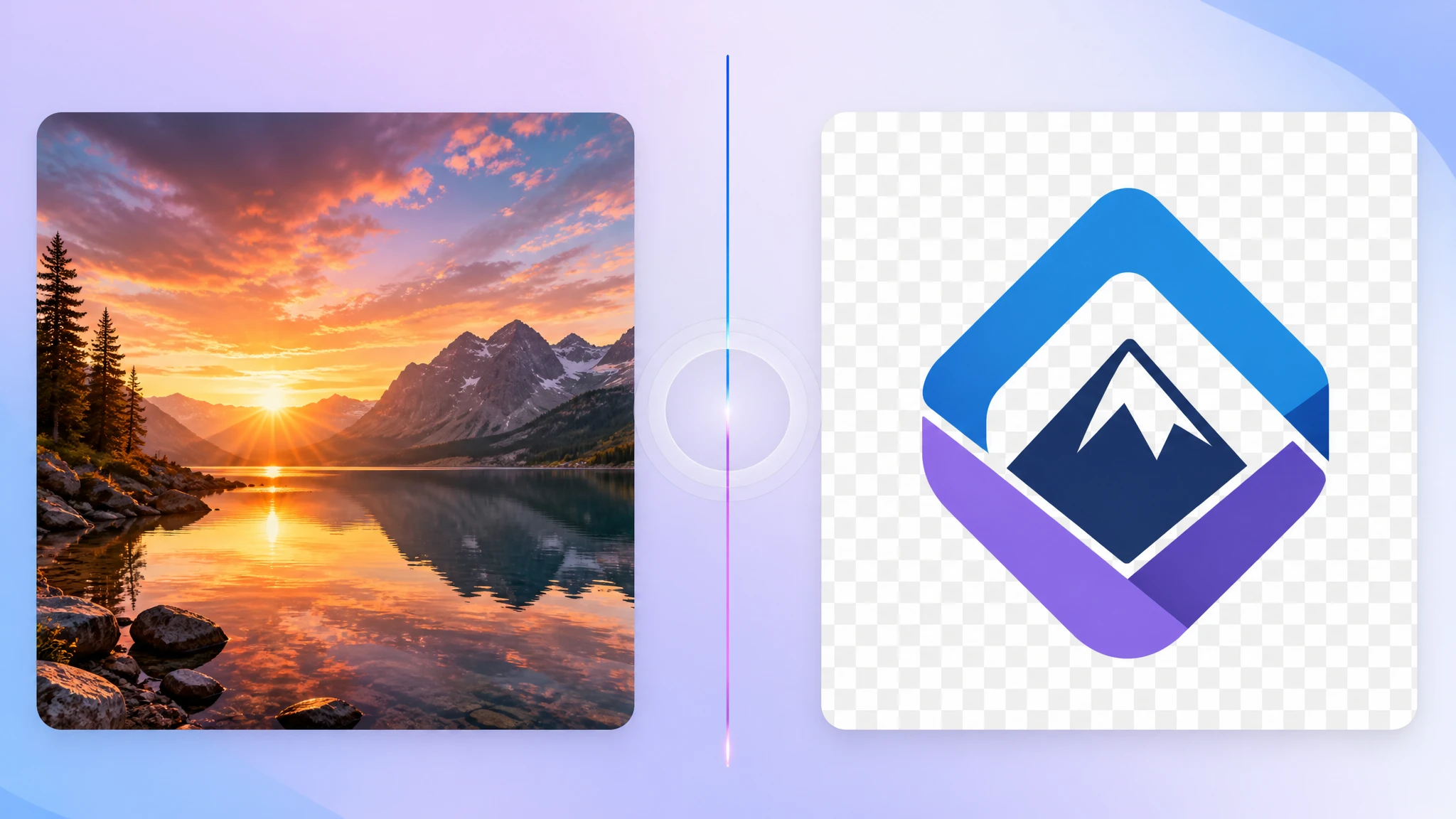
PNG is a reliable format, especially when you need transparency or perfectly sharp graphics. But it is not always the most efficient choice. In many common cases, converting PNG to JPG is the faster, lighter, and more practical option.
If you are preparing photos for email, uploads, messaging, or general sharing, our PNG to JPG converter makes it easy to switch formats locally in your browser.
Why convert PNG to JPG?
The biggest reason is file size. PNG is excellent for preserving exact pixels, but that strength often comes with larger files. JPG is better suited for photographs and image-heavy content where a moderate amount of lossy compression is acceptable.
- Smaller files — useful for uploads, storage, and sharing
- Photo-friendly compression — great for camera images and screenshots without transparency
- Broad compatibility — JPG is accepted nearly everywhere
- Faster everyday workflow — easier to send, preview, and attach
PNG is not always the right format
A lot of people keep images in PNG simply because that is how they received them. But many PNG files are actually photos, exported screenshots, or flattened visuals that do not need transparency at all. In those cases, PNG is often just creating unnecessary file weight.
That is why converting PNG to JPG is so common in practice. It is often less about changing image quality and more about matching the format to the actual use case.
The biggest trade-off: transparency disappears
This is the main thing to understand before converting: JPG does not support transparency. If your PNG has transparent areas, those regions will be flattened during conversion, usually onto a solid background.
So if your image is a logo, icon, UI element, cutout product photo, or overlay graphic, PNG may still be the better choice. JPG is best when the image behaves more like a photo and does not depend on an alpha channel.
When PNG to JPG is a good idea
Converting makes the most sense in situations like these:
- Photo uploads where the platform does not need transparency
- Email attachments that should stay lightweight
- Website content management where smaller files are easier to handle
- Shared folders and archives where storage matters
- General document use where PNG precision is unnecessary
When you should keep PNG instead
PNG still matters a lot for the right jobs. If your file needs a transparent background, razor-sharp flat graphics, or lossless preservation for repeated editing, JPG is usually the wrong target.
- Logos and branding assets
- Transparent overlays and interface graphics
- Pixel-precise illustrations with clean edges
- Working files that will be edited again and again
PNG to JPG is most useful when your real goal is a smaller, easier file — not when you need perfect transparency or fully lossless output.
Will the quality look worse?
JPG uses lossy compression, so technically some detail can be lost. But for many ordinary photos, shared images, and presentation assets, the difference is minor compared with the benefit of a much smaller file.
The key is choosing the right image type. Photos often convert well. Hard-edged graphics, text-heavy visuals, and transparent assets usually do not.
How to convert PNG to JPG privately
If you just need smaller JPG versions quickly, a browser-based tool is usually the easiest route. With our PNG to JPG tool, you can drop in one or several PNG files, convert them locally, and download the results immediately.
- No upload needed — files stay on your device
- Good for batches — convert multiple PNG files in one session
- Quick sharing workflow — easier for messaging and routine uploads
- Photo-ready results — better suited for lightweight everyday use
Final take
PNG is not wrong — it is just not always necessary. If your image does not need transparency and your priority is smaller size, easier uploads, or smoother sharing, converting PNG to JPG is often the right move.
If you want a faster everyday format, try our free PNG to JPG converter. It is simple, private, and ideal for turning oversized PNG files into more practical JPG images.
