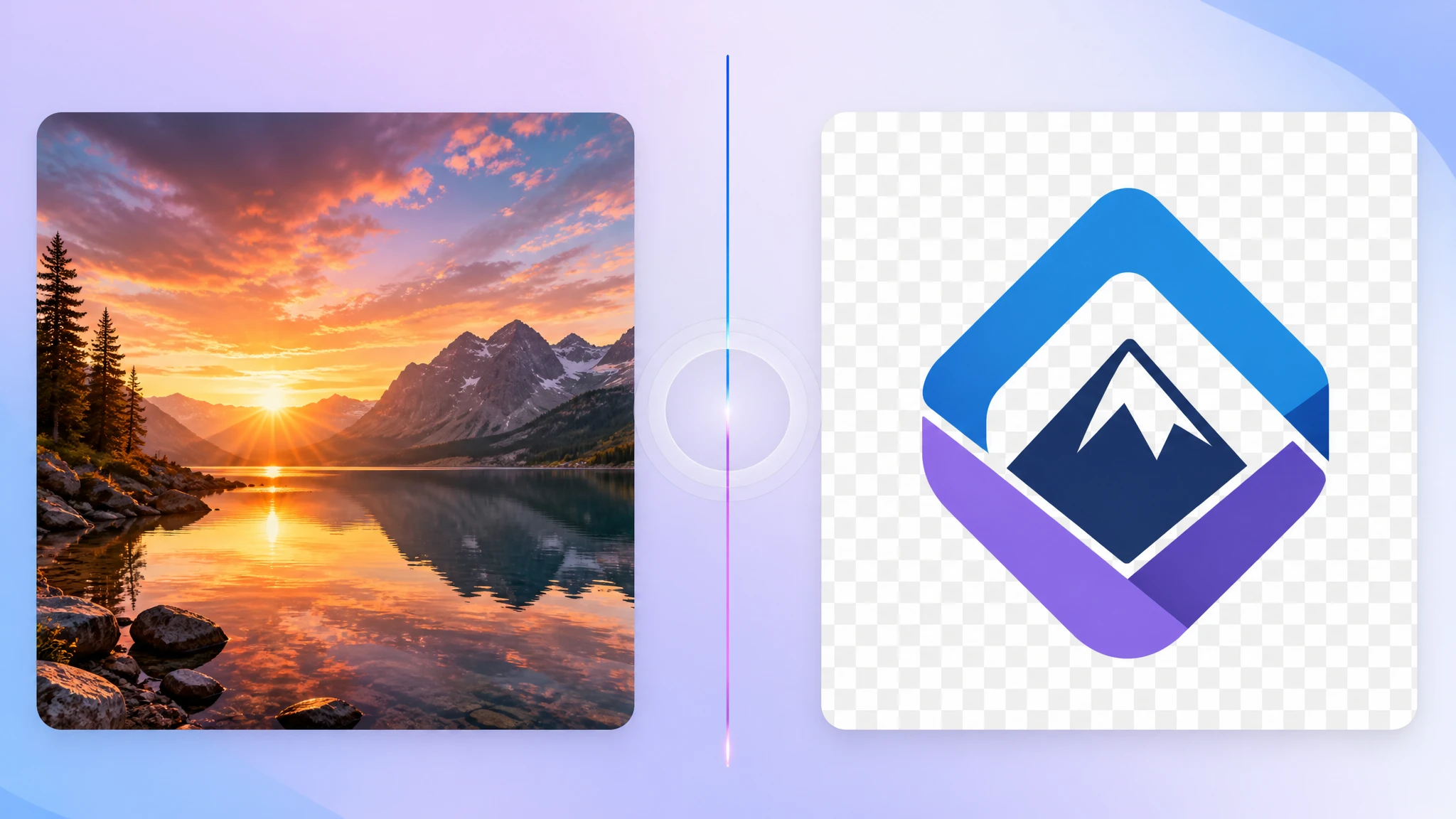
AVIF is one of the newest image formats on the web. It produces noticeably smaller files than JPG and PNG at the same visual quality, which is why modern sites and CDNs are starting to use it everywhere. But not every app, viewer, or workflow is ready for AVIF yet. When you need a file that just works, converting AVIF to JPG is still the most reliable answer.
Our AVIF to JPG converter handles this entirely in your browser, so you can keep modern AVIF sources and ship JPG copies wherever they are needed.
What is AVIF?
AVIF stands for AV1 Image File Format. It uses the same compression core as the modern AV1 video codec, which gives it a big efficiency advantage over older raster formats. AVIF supports lossy and lossless modes, transparency, and high dynamic range, all in a smaller file than the equivalent JPG, PNG, or even WebP.
- Significantly smaller files at similar visual quality
- Wide color and HDR support for modern displays
- Transparency like PNG and WebP
- Strong browser support on modern Chrome, Firefox, Safari, and Edge
Why JPG is still useful
JPG has been around for decades and is supported almost everywhere, including older apps, legacy CMSes, marketplaces, photo printers, and offline viewers. If you need to be sure a recipient can open the file without thinking about formats, JPG is the safest choice.
JPG is also the most predictable format for upload forms, document workflows, and print providers. Converting AVIF to JPG removes any uncertainty about whether the receiving system handles AVIF.
When should you convert AVIF to JPG?
Not every AVIF file needs converting. But several common scenarios make a JPG copy worthwhile:
- Uploading to platforms or CMSes that don't accept AVIF
- Sharing with users on older devices or apps that can't preview AVIF
- Sending images via email when recipients use legacy clients
- Embedding in documents and slides that prefer JPG or PNG
- Print and external delivery when JPG is required
Will the quality drop noticeably?
JPG is a lossy format, so technically there is some quality loss when re-encoding. In practice, a high-quality conversion (we use around 92%) is visually very close to the original AVIF for everyday viewing. The difference matters most for extreme zoom, color-critical work, or pixel-level edits.
Keep your AVIF originals as the master copy whenever possible. Use JPG as the distribution format for compatibility-sensitive places.
How to convert AVIF to JPG online
The easiest path is a browser-based converter. With our AVIF to JPG tool, you drop AVIF files in, the conversion runs locally, and you download JPG copies — no uploads, no waiting on a server.
- Privacy — files stay on your device
- Speed — no upload step for typical files
- Convenience — works in any modern browser, no installation
- Batch friendly — drop many AVIFs in one session
Should you keep AVIF or switch to JPG everywhere?
For most workflows, keep both. Use AVIF where you control the platform and want smaller files (modern websites, CDNs, internal apps). Use JPG when you need maximum compatibility for sharing, uploads, or external delivery.
Final thoughts
AVIF is the future of efficient web images. JPG is still the safest format for the messy real world of legacy apps and platforms. The smart workflow is to keep AVIF originals and produce JPGs on demand for places that aren't ready yet. If you need a fast and private way to do that, our free AVIF to JPG converter is built for exactly this case.