
PNG vs WebP: Why WebP is the Future of Web Images
See the strengths of PNG and WebP, and learn when converting back to PNG still makes practical sense.
Read MoreConvert your WebP images to PNG format for broader compatibility, editing, and transparent graphic workflows.
or click to browse files
Convert images instantly in your browser. No upload to server needed.
All processing happens locally. Your files never leave your device.
PNG is widely supported in design tools, editors, and older workflows that still struggle with WebP.
PNG is easier to edit, works well in design software, and is still more universally accepted in many older apps, CMS tools, and asset workflows.
Yes. If your WebP image contains transparency, converting it to PNG will preserve the alpha channel correctly.
Usually yes. PNG files are often larger than WebP because PNG prioritizes lossless storage and broad compatibility over modern compression efficiency.
No. This converter runs entirely in your browser. Your WebP files never leave your device.
Yes. You can upload multiple WebP files in one go and convert them all to PNG inside the same session.
See the strengths of PNG and WebP, and learn when converting back to PNG still makes practical sense.
Read More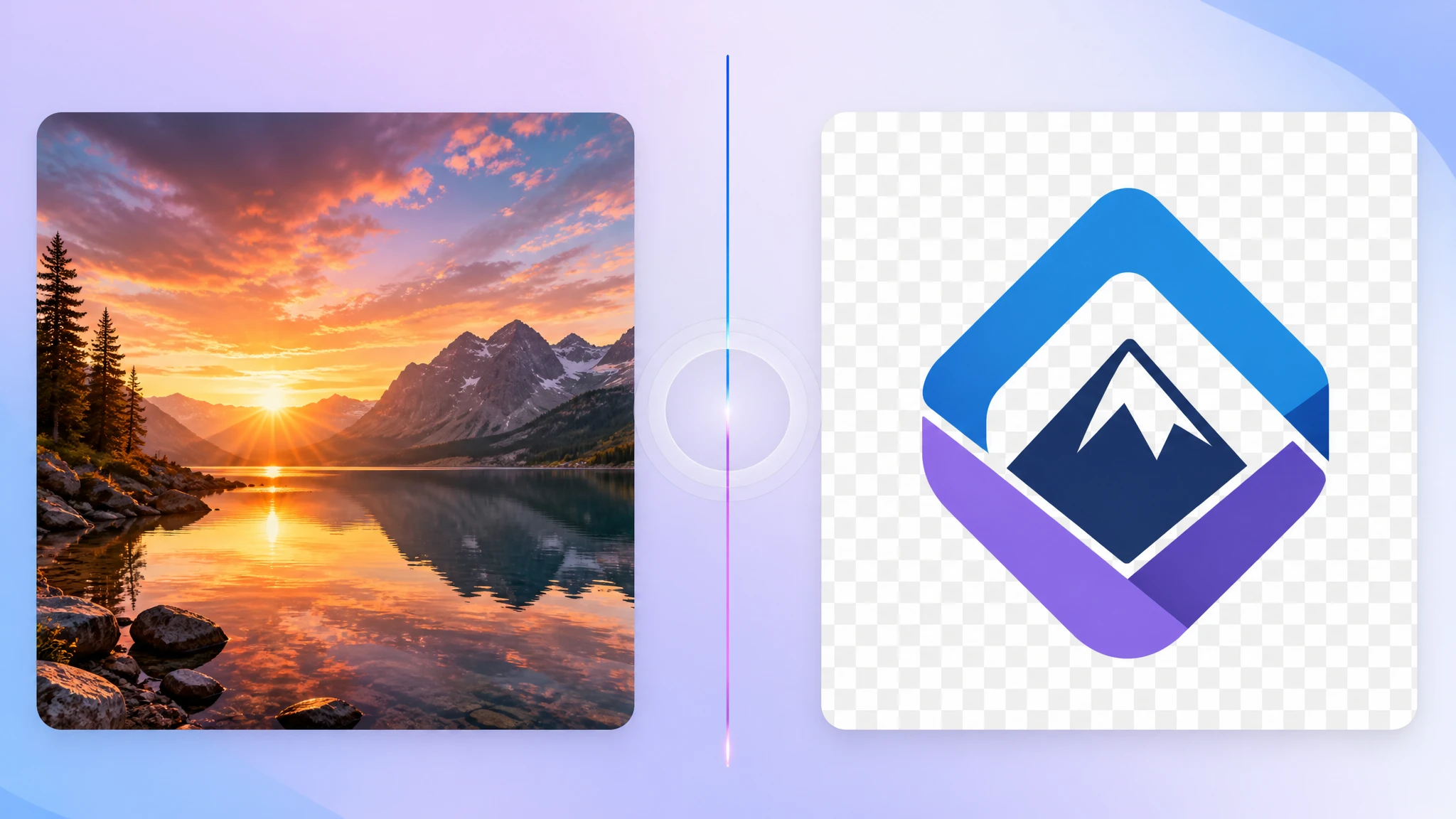
Learn why PNG is still the safest choice for transparent graphics, logos, and editing workflows.
Read More
Compare PNG, WebP, JPG, SVG, and more to understand which format fits your project best.
Read More