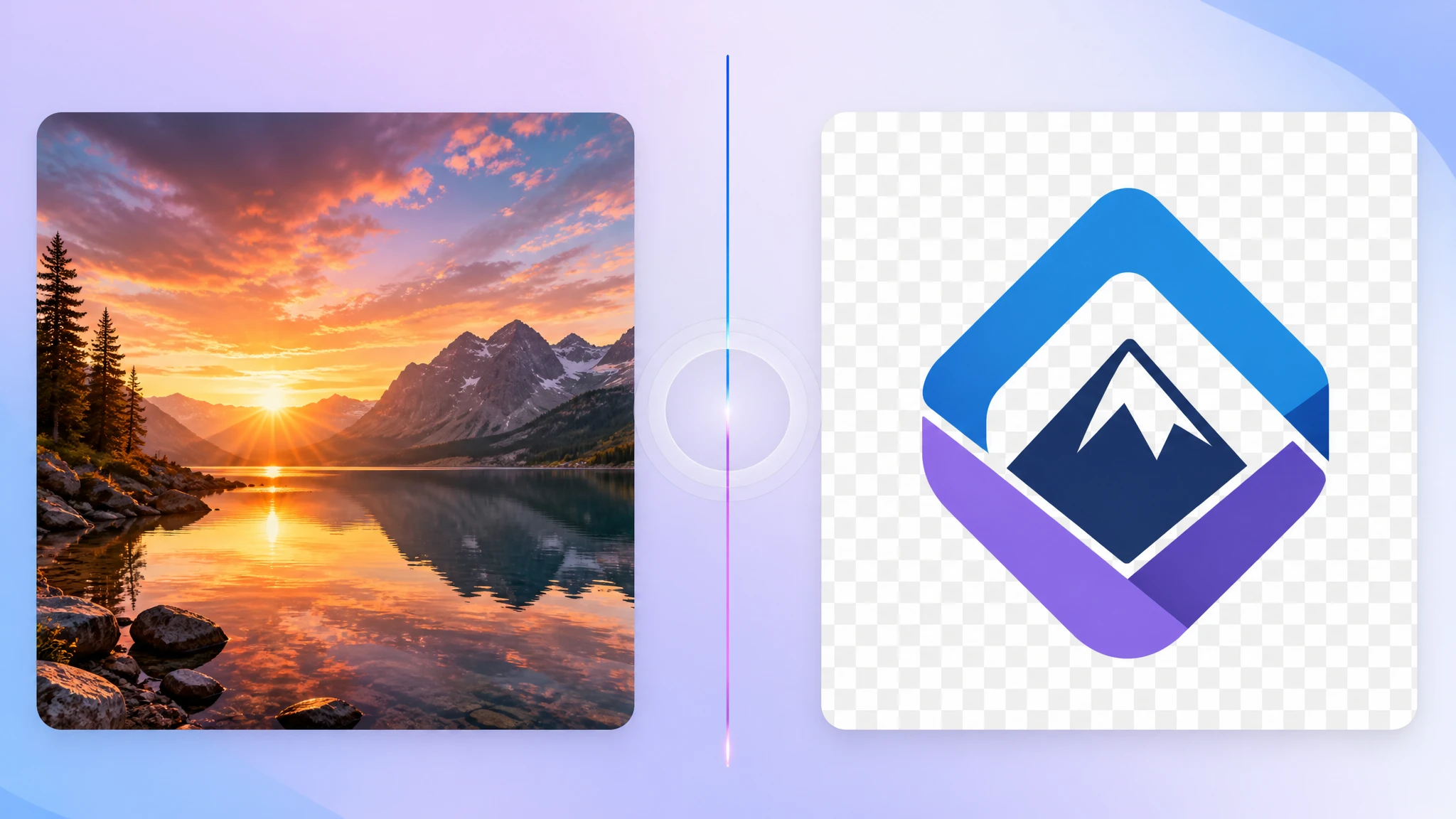
TIFF is the heavy archival format you'll find in scanners, professional photo workflows, and document management systems. It's powerful, but it's not what most modern apps want to ingest. When you need a TIFF that actually plays nicely with the web, design tools, and everyday editing, PNG is often the right destination.
Our TIFF to PNG converter handles this conversion in your browser, with no extra compression on top of the TIFF source.
Why convert TIFF to PNG?
PNG is a lossless raster format that's supported in every browser, design tool, and image editor on the market. Converting from TIFF to PNG keeps the pixels intact while making the file much easier to use anywhere outside an archival pipeline.
- Lossless — no extra compression added to your TIFF source
- Universal support in browsers, design tools, and OSes
- Transparency — alpha channel preserved if the TIFF has one
- Editing-friendly — easier to round-trip in modern tools
When PNG makes more sense than JPG
JPG is the lighter option, but it's lossy and doesn't support transparency. Pick PNG when:
- You need a lossless copy for further editing
- The TIFF has transparent areas you want to preserve
- The image has sharp edges, text, or UI elements
- You're handing files to designers or external partners
Is the conversion lossless?
The PNG step is fully lossless. Whatever quality your TIFF source has, that's exactly what ends up in the PNG — without any extra compression added on top.
What about multi-page TIFFs?
Scanned TIFFs sometimes have multiple pages. Our converter processes the first page of each file and writes one PNG per input. For full multi-page workflows, you'll want to split the TIFF beforehand.
How to convert TIFF to PNG privately
Use a browser-based tool that runs locally. Our TIFF to PNG converter decodes the TIFF on your device and writes a PNG without uploading anything.
- Privacy — TIFFs stay on your device
- Lossless — no extra quality loss
- Transparency-safe — alpha channel preserved
- No installs — works in any modern browser
Final thoughts
TIFF and PNG aren't competitors — they target different stages of an image's life. TIFF is the archive. PNG is the working copy. Converting from one to the other is the step that turns a heavyweight master into a clean, editable file you can actually use today. Our free TIFF to PNG converter is built for exactly this hand-off.