SVG Optimization: Smaller Files for Faster Websites
Learn how SVG works, why it is powerful, and when you still need to export to raster formats like PNG.
Read MoreConvert SVG files to PNG for design export, social media sharing, and raster-based workflows.
or click to browse files
Convert images instantly in your browser. No upload to server needed.
All processing happens locally. Your files never leave your device.
Turn vector SVG artwork into a pixel-based PNG you can share, upload, or use in raster-only tools.
PNG is useful when you need a raster image for uploads, previews, social media posts, or apps that do not accept SVG directly.
No. PNG is a raster format, so the result is no longer an editable vector graphic like the original SVG.
Yes. PNG supports transparency, so transparent regions in the SVG can be preserved in the exported file.
Yes. Your SVG files are processed locally in the browser and never uploaded anywhere.
Yes. You can upload several SVG files and export them to PNG together in one session.
Learn how SVG works, why it is powerful, and when you still need to export to raster formats like PNG.
Read MoreCompare SVG, PNG, JPG, and WebP to understand when vector should become raster.
Read More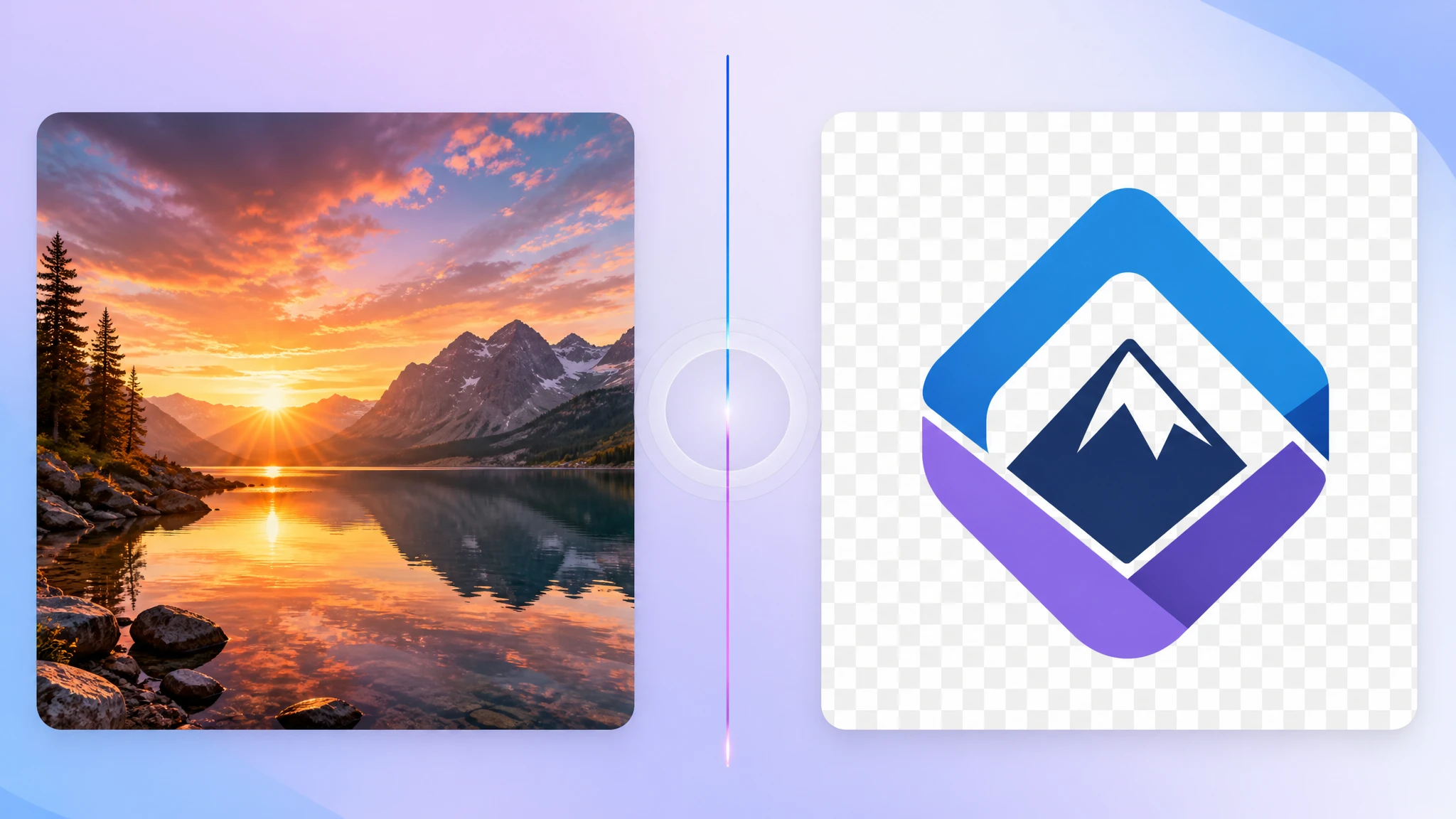
Understand why PNG remains a strong destination format for transparent exported artwork.
Read More