SVG Optimization: Smaller Files for Faster Websites
Learn how SVG works and why some workflows still require exporting to raster formats such as JPG.
Read MoreConvert SVG files to JPG for lighter raster exports, sharing, and compatibility with photo-oriented workflows.
or click to browse files
Convert images instantly in your browser. No upload to server needed.
All processing happens locally. Your files never leave your device.
JPG exports are easy to upload, preview, and send anywhere that expects a classic raster image format.
JPG is useful when you need a widely accepted raster image for previews, uploads, sharing, or simpler downstream workflows.
No. JPG does not support transparency, so transparent SVG areas will be flattened onto a solid background.
No. After conversion to JPG, the result becomes a raster image and is no longer an editable vector file.
Yes. The SVG file is converted in your browser, and nothing is uploaded to an external server.
Yes. You can upload multiple SVG files and export them all to JPG in one session.
Learn how SVG works and why some workflows still require exporting to raster formats such as JPG.
Read MoreCompare SVG, JPG, PNG, and WebP to understand the trade-offs of vector-to-raster export.
Read More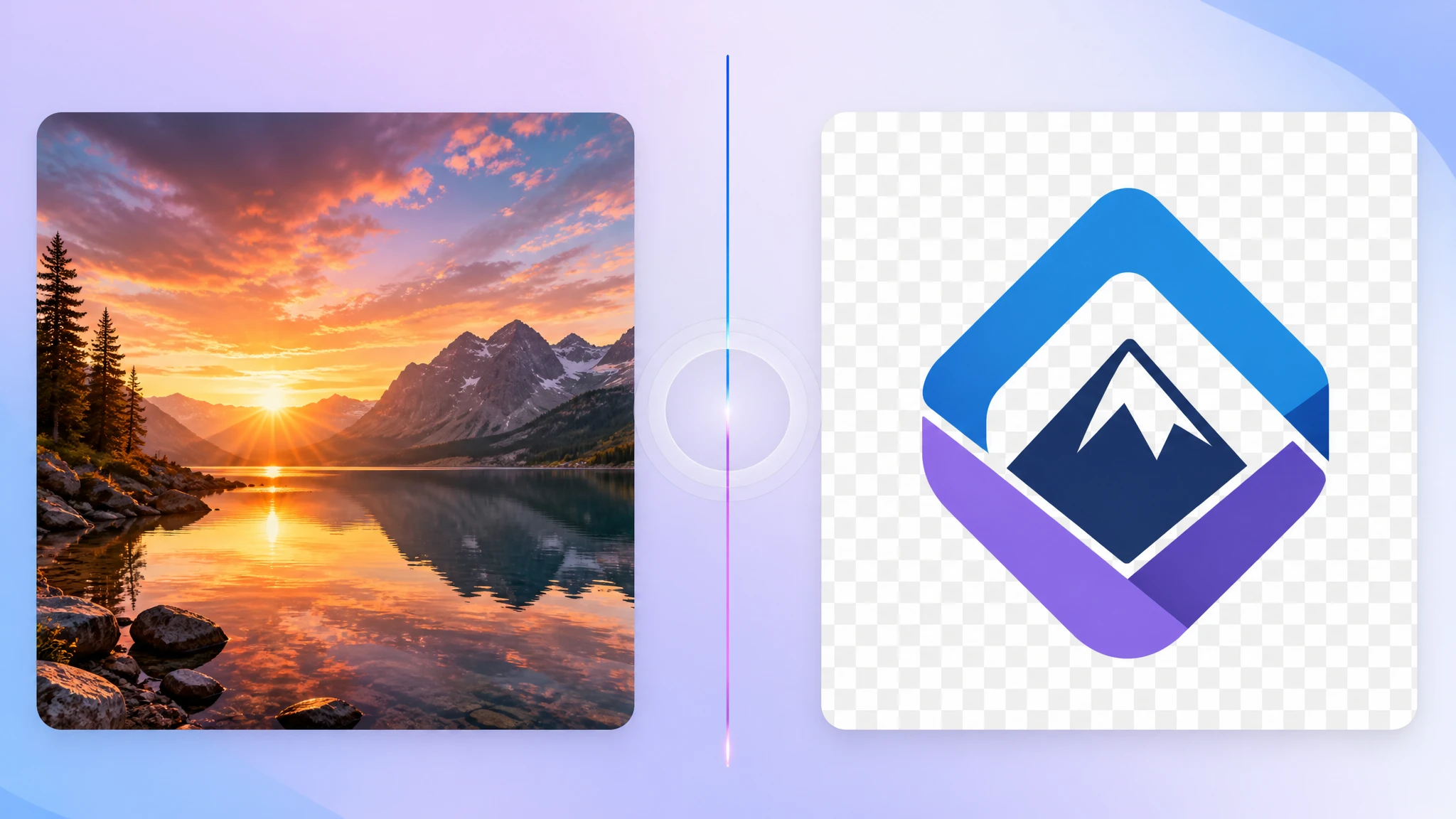
See when JPG is the better export target and when PNG remains the safer choice.
Read More