
AVIF to PNG: A Practical Conversion Guide
Learn when AVIF should be converted to PNG for editing, transparency, and compatibility.
Read MoreConvert your AVIF images to PNG format for transparency-safe editing, design exports, and broader compatibility.
or click to browse files
Convert images instantly in your browser. No upload to server needed.
All processing happens locally. Your files never leave your device.
PNG preserves transparency cleanly and stays the safer format for logos, UI assets, and design exports.
PNG is more universally supported, easier to edit, and remains the safer choice for logos, UI graphics, and transparent assets.
Yes. If your AVIF image contains an alpha channel, converting to PNG keeps transparency intact.
Usually yes. PNG uses lossless compression, so files are typically larger than AVIF but more compatible across tools and platforms.
No. Conversion runs locally inside your browser. Your AVIF files never leave your device.
Yes. You can drop in several AVIF images and convert them all to PNG in the same session.
Learn when AVIF should be converted to PNG for editing, transparency, and compatibility.
Read More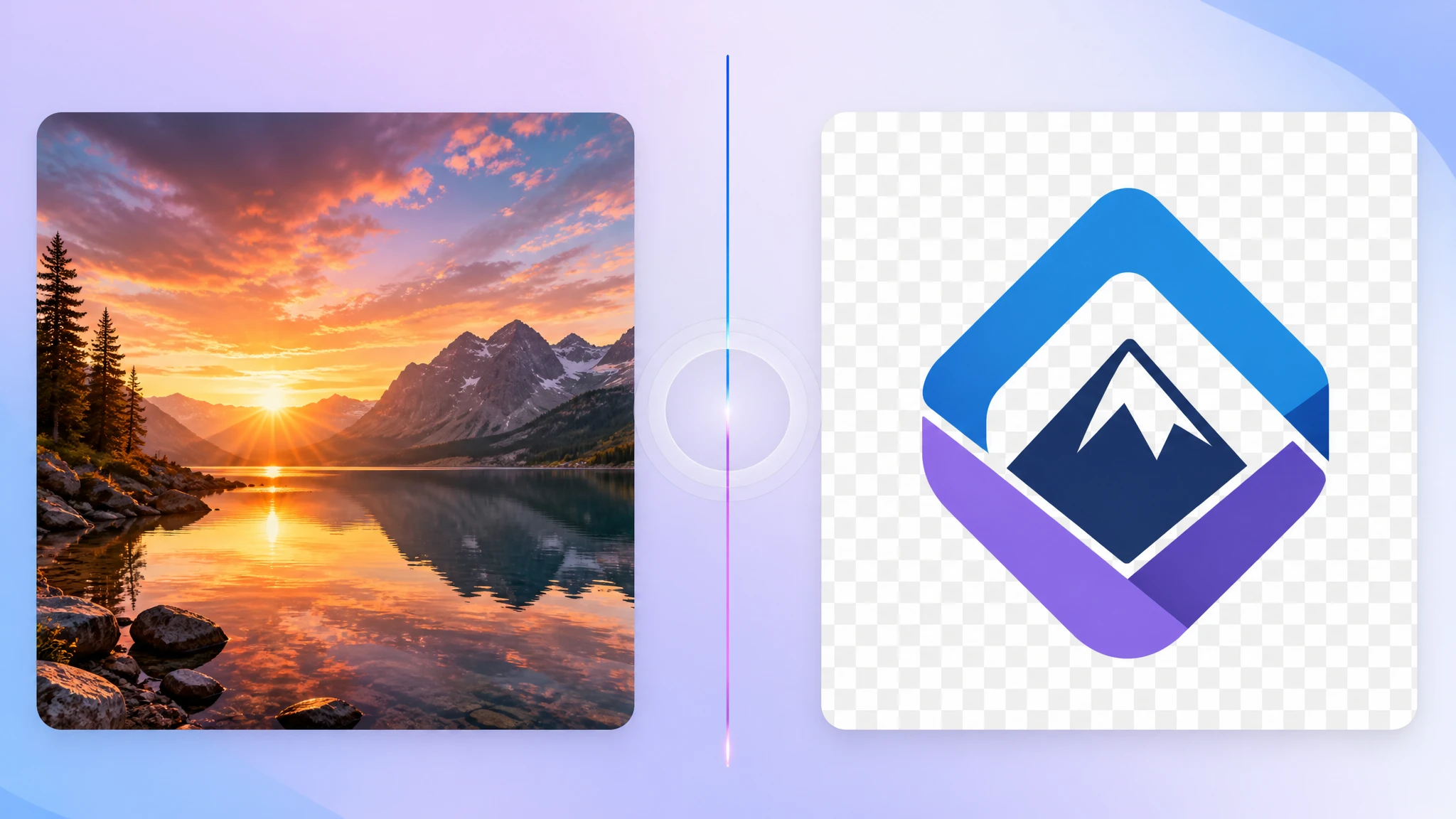
Learn why PNG remains the safer choice for transparent assets and editing workflows.
Read More
Compare AVIF, PNG, WebP, JPG, and SVG to pick the right format for your workflow.
Read More